

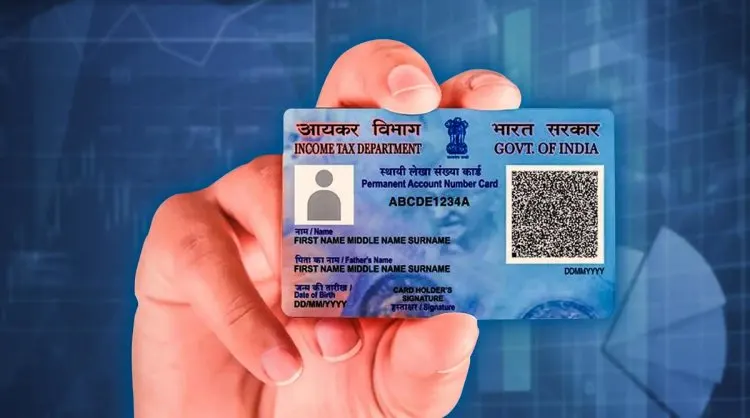
How to download PAN card from Digilocker?
Carrying physical documents everywhere can be stressful and sometimes risky. What if you lose them?
What if you forget them at home when they are urgently needed? The Government of India’s DigiLocker service solves exactly this problem. Now, you can safely store and access your PAN, Aadhaar, driving licence and many other important documents directly on your phone.
And the best part? DigiLocker is free, offers 1 GB of cloud storage, and lets you use e-signatures to authenticate your documents digitally. Many users search for an easy way to download PAN Card from DigiLocker without visiting government offices
If you are wondering how to download your PAN card from DigiLocker, here is everything you need to know.
What is DigiLocker?
DigiLocker is a cloud-based digital locker launched by the Ministry of Electronics and Information Technology (MeitY). The service is completely free and designed to reduce the need for carrying physical documents.
When DigiLocker was first introduced, it offered only 10 MB of storage. Now, the government has upgraded it to 1 GB, giving users enough space to upload and store multiple documents.
Every DigiLocker account is linked to a person’s Aadhaar number, which means one individual can have only a single DigiLocker account. Documents stored here can also be authenticated with an e-signature, making them valid for official use.
The platform supports two types of documents:
Issued Documents – directly fetched from government agencies (like Aadhaar, PAN, driving licence).
Uploaded Documents – your own uploaded files (e.g., scanned mark sheets or certificates).
This way, you can access your verified documents anywhere, anytime, either from the DigiLocker app technology or its official website. With just a few clicks, you can download PAN Card from DigiLocker and keep it safely stored in your digital locker.
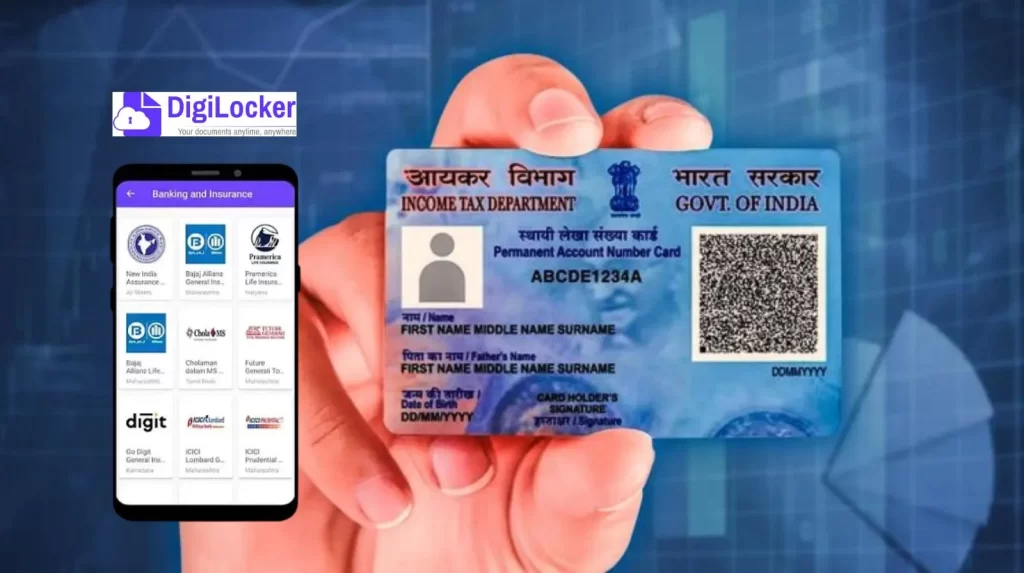
Why Use DigiLocker?
No need to carry original documents everywhere.
Easily share verified documents instead of self-attested photocopies.
Access your Aadhaar, PAN, driving licence, RC, LPG subscription vouchers, ICSE certificates, and more.
Store your personal files like images, PDFs, and certificates.
Ensure safety of your data on a secure cloud, protected by Aadhaar-based authentication.
How to Install DigiLocker App on Your Smartphone?
To enjoy the benefits of DigiLocker, you’ll first need to download the app. The government now allows citizens to directly download PAN Card from DigiLocker through its app or website. Here is how to do it:
Open the Google Play Store (Android) or App Store (iOS).
Search for DigiLocker and tap Install.
Grant the necessary app permissions.
Open the app once installed.
If you already have an account, sign in.
If you’re a new user, sign up and create a new account.
Login using your username and password.
If you forget your user ID, simply enter your Aadhaar number and verify via OTP.
Forgotten passwords can also be reset using Aadhaar and OTP authentication.
How to Create a New DigiLocker Account?
If you’re using DigiLocker for the first time, follow these steps to create an account:
Visit the official DigiLocker website or open the app.
Enter your Aadhaar-linked mobile number.
Enter the OTP sent to your phone and verify.
Create a unique username and password.
Click on Sign Up.
Your DigiLocker account is now active.
You can login anytime using your credentials, or even directly through your Aadhaar number + OTP method.
How to Download PAN Card from DigiLocker?
The most popular feature of DigiLocker is the ability to download government-issued documents directly from the concerned authority. Instead of uploading a scanned copy, you can fetch your official PAN card straight from the Income Tax Department. If you are wondering how to download PAN Card from DigiLocker, this step-by-step guide will help you
Here is the step-by-step guide:
Open the DigiLocker app and log in.
On the home screen, tap the Search icon at the bottom-right.
In the search bar, type “Income Tax Department, Govt. of India”.
From the results, select “PAN Verification Record”.
Enter your PAN number and select your Gender.
Tick the consent box to allow DigiLocker to fetch your document.
Tap on Get Document.
Your PAN card will be downloaded and saved in your DigiLocker account.
You can now share this PAN card anytime with institutions or individuals, instead of carrying a physical copy.
Extra Benefits of DigiLocker
You no longer need to visit the UIDAI website to download e-Aadhaar. DigiLocker directly fetches it for you.
Driving licences, vehicle registration certificates, and even LPG vouchers can be downloaded.
ICSE students can get their mark sheets issued directly on DigiLocker.
All your uploaded files (like mark sheets, PDFs, JPGs) stay in a secure cloud with 1 GB storage.
The Government’s DigiLocker service has made document management simple and secure. No more worrying about losing your Aadhaar or PAN card. No more running around with photocopies. With just a few taps, you can download your PAN, Aadhaar, or driving licence directly on your phone.
So, the next time an office asks for your PAN card copy, just log in to DigiLocker and share it digitally — it’s official, verified and accepted across India.